QR Code Generator
Create Static, Dynamic & AI QR Codes Instantly
Generate, customise, and track intelligent QR codes with live previews and AI-driven design.
NO SCAN LIMITS
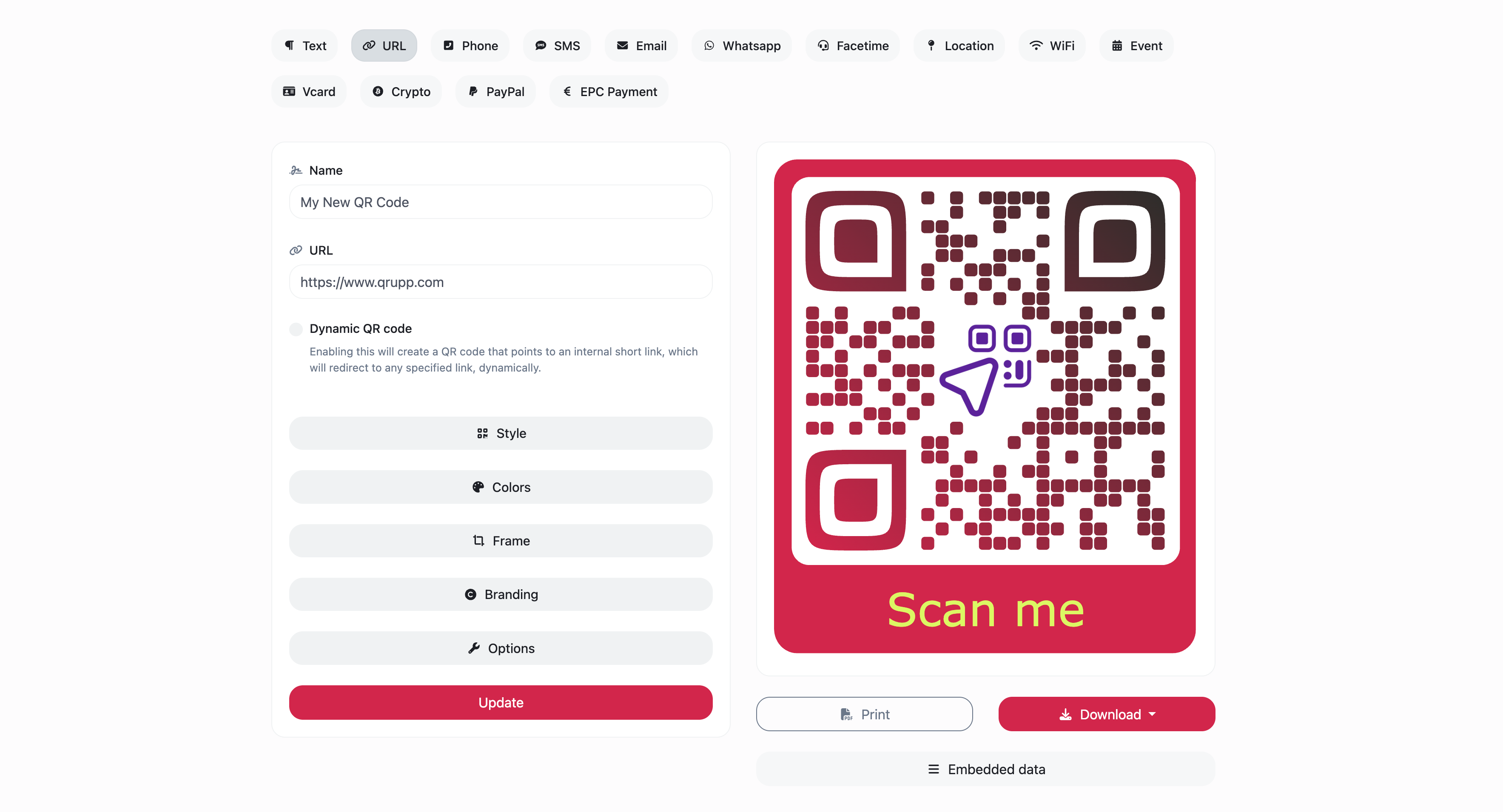
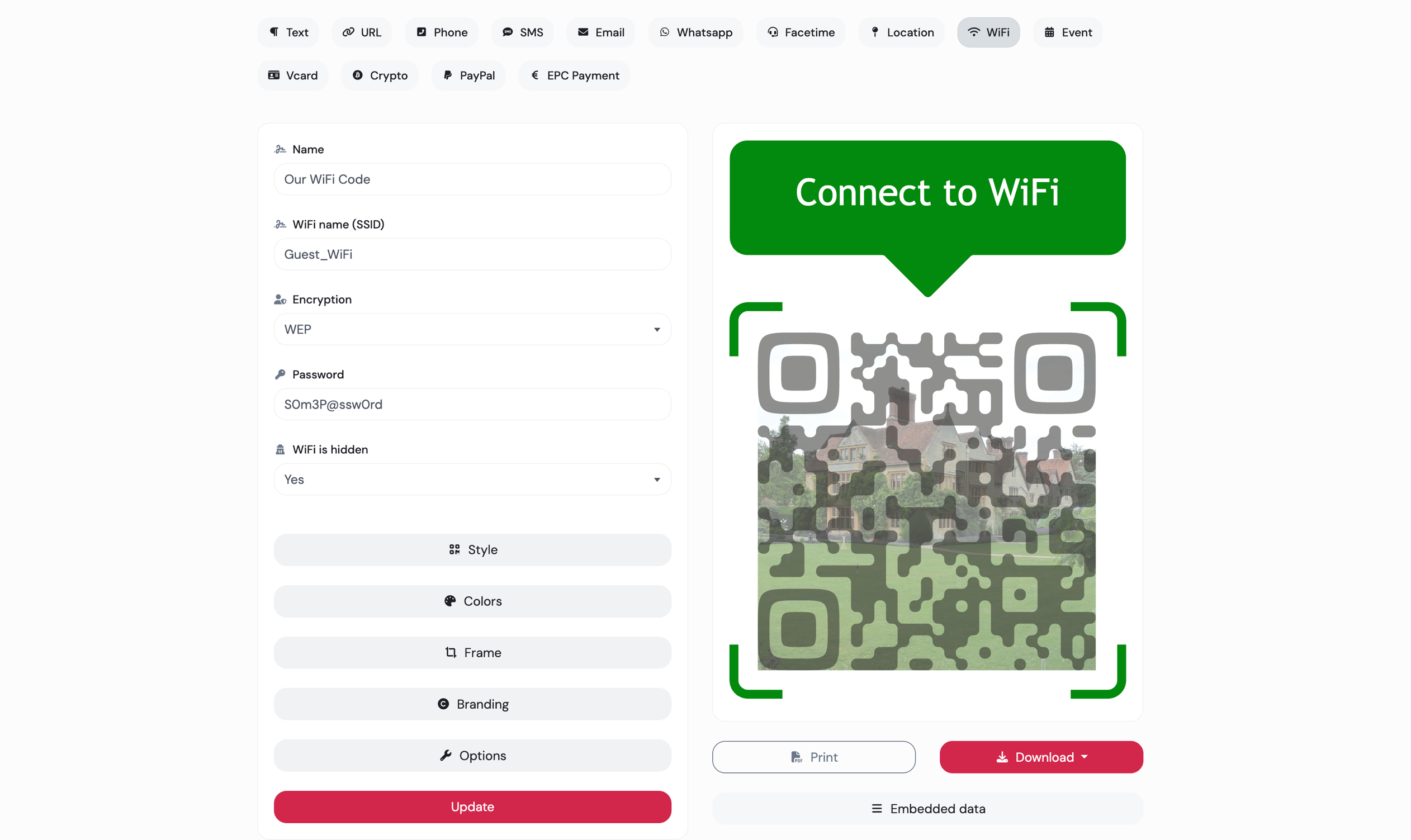
Static QR codes
Static QR codes are permanent, with all data embedded directly into the code. Once created and printed, the information cannot be modified.
-
Fully customisable
-
No scan limits
-
No data saved on our servers
Dynamic QR codes
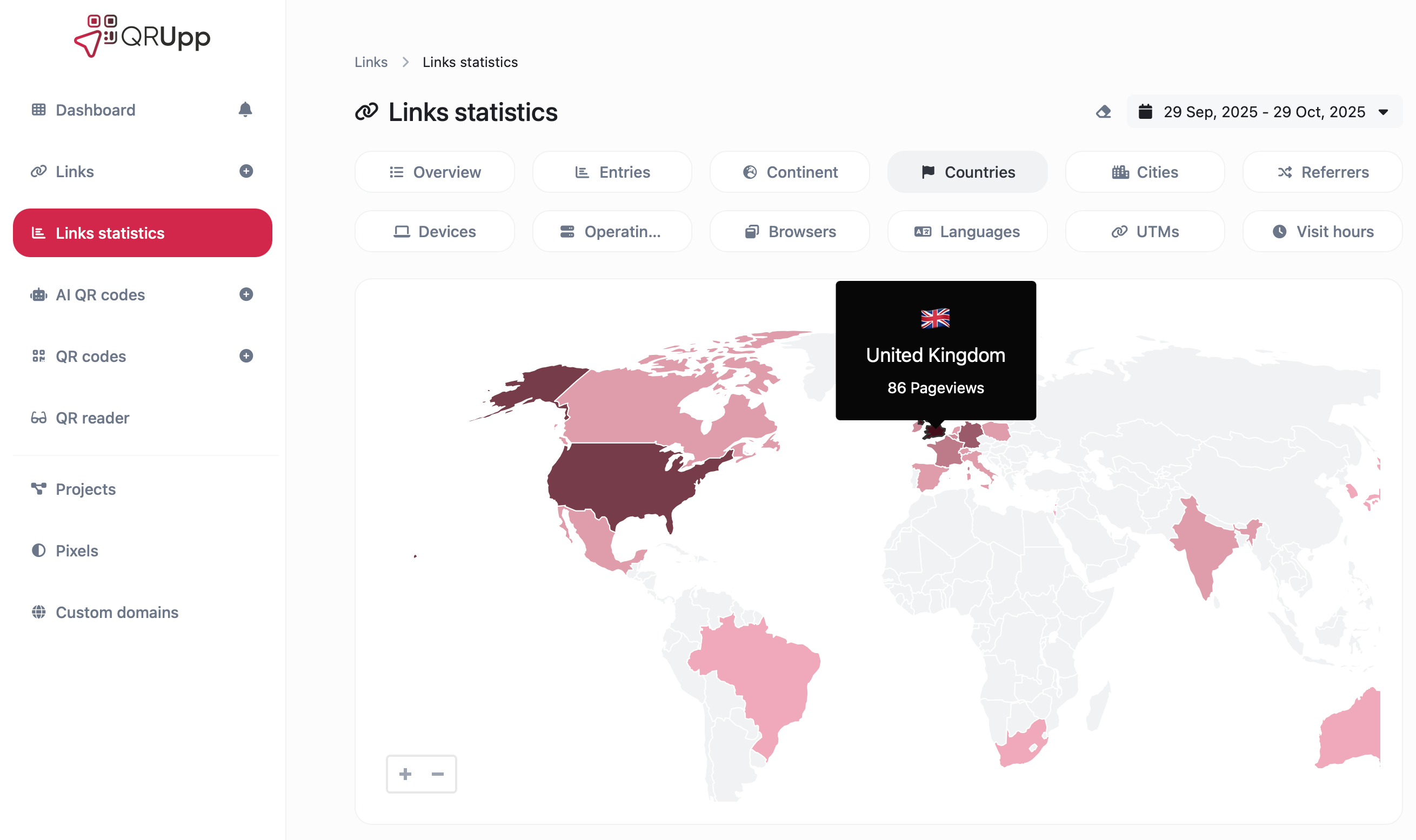
Dynamic QR codes let you update the destination at any time. This flexibility is powered by our Links tool, which integrates various technologies to make the process seamless.
-
Advanced scan statistics
-
Change URL destination dynamically
-
Scheduling, expiration limits, A/B Rotation
-
Password protection
-
Country, device & language re-targeting
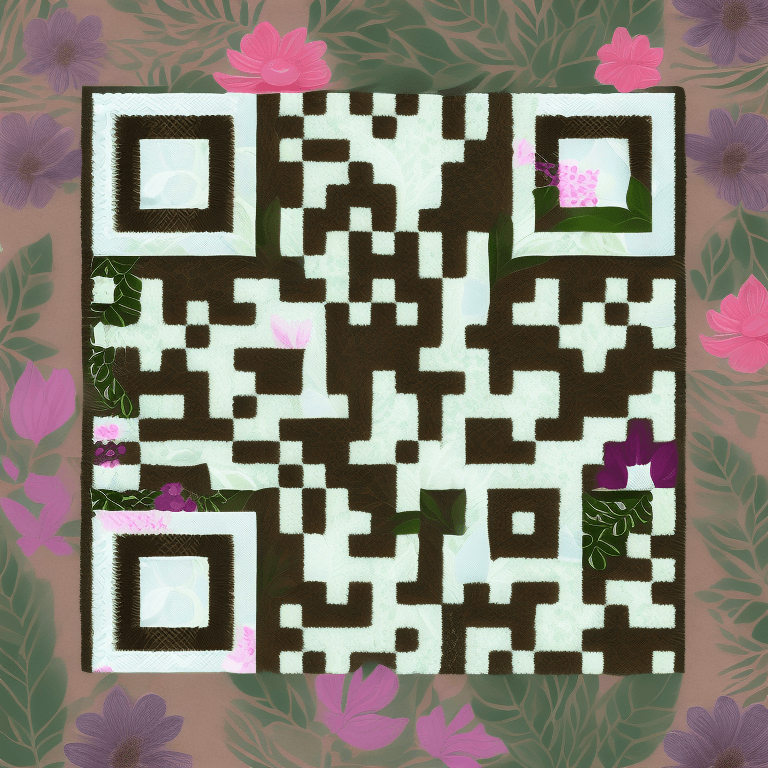
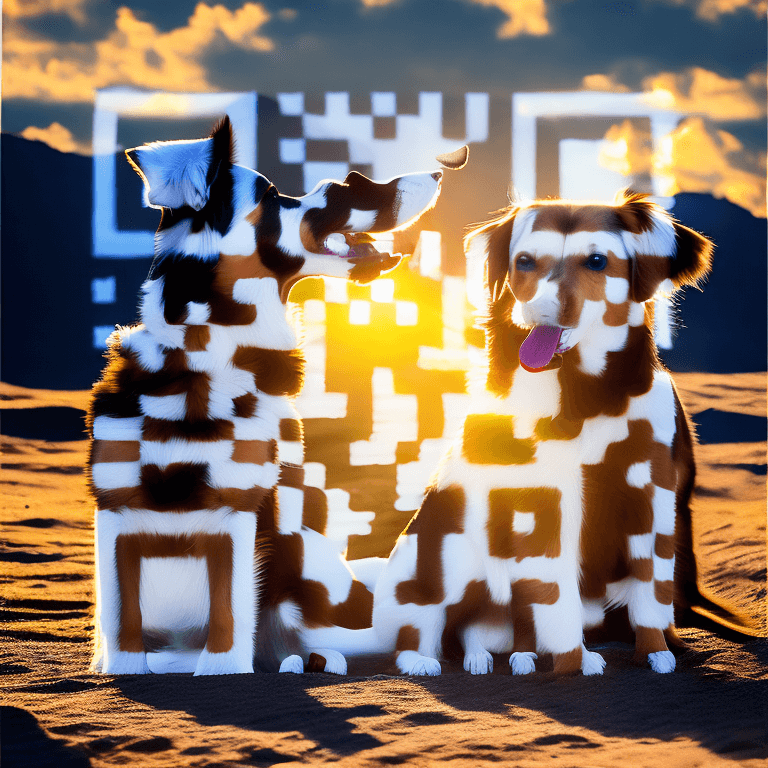
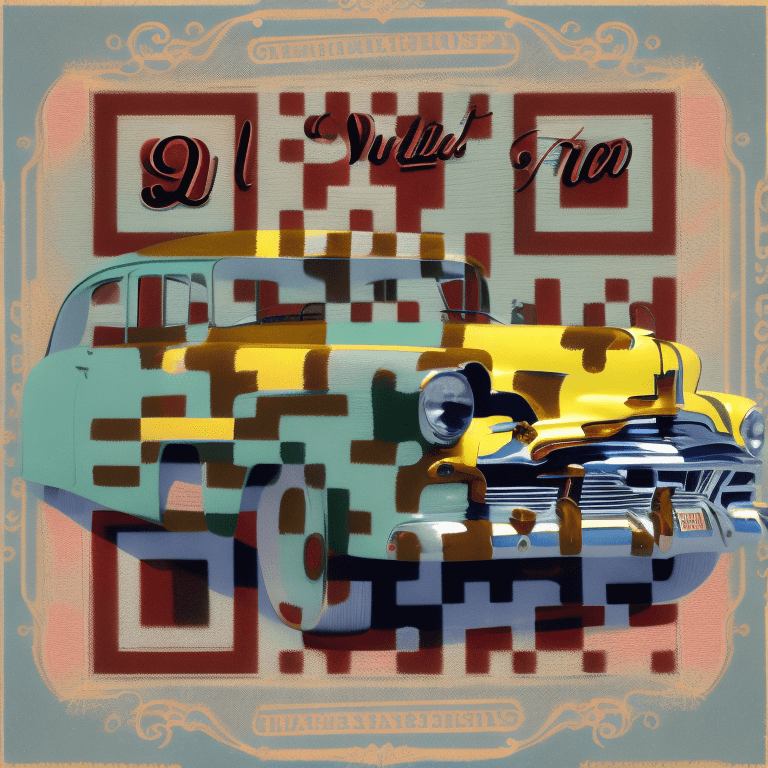
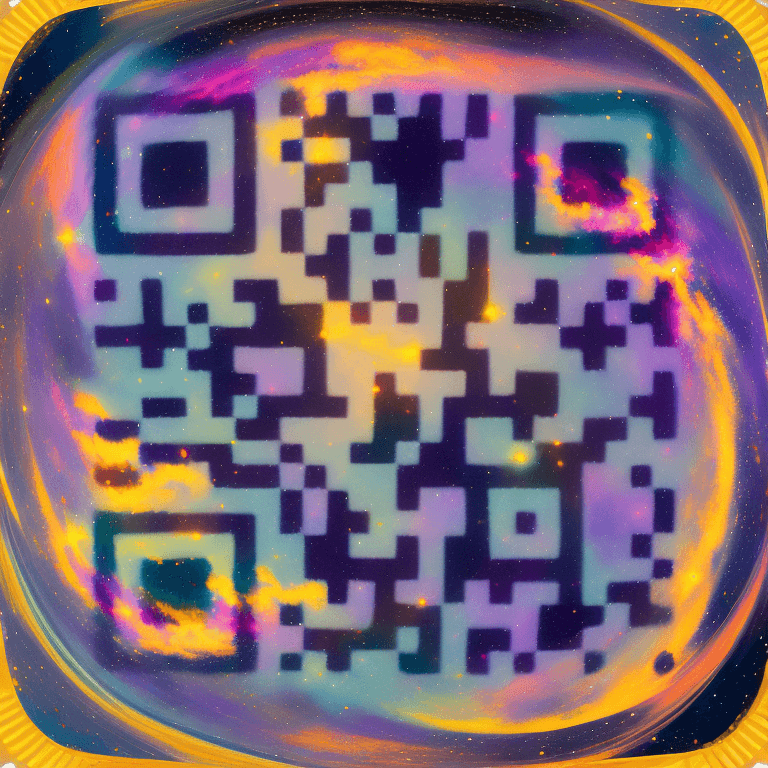
AI QR Codes


Ready to use QR code types
Get started with the most in-demand QR code templates QR code templates.
URLs that open apps automatically
Short links that automatically detect the used app and open it on mobile.
Tracking pixels
All the links easily integrate with any of the following pixel providers.
Developer ready
Fully featured & easy to use API system for developers.
--url 'https://qrupp.com/api/links' \
--header 'Authorization: Bearer {api_key}' \
--header 'Content-Type: multipart/form-data' \
--form 'url=example' \
--form 'location_url=https://qrupp.com/' \
Simple, transparent pricing.
Choose your plan. Upgrade anytime.
Frequently Asked Questions
QRUpp supports all major QR code formats - including URL, Dynamic, WiFi, Email, Phone, SMS, Event, Location, App Store, and even AI-generated designs. Each can be customised with colours, frames, and logos.
Static QR codes always point to the same link once printed.
Dynamic QR codes use short links that you can edit, track, schedule, or password-protect - all without reprinting.
You can create static QR codes instantly without signing up.
An account is only required for Dynamic and AI QR codes, or when you want analytics, custom domains, or advanced options.
No. QR codes created with QRUpp do not have scan limits. Your plan limits apply to how many QR codes, links, or AI QR codes you can create - not how many times they are scanned. You can print and share your codes as widely as you like without worrying about scan overages.
Use high contrast (dark code on light background), keep a clear quiet zone around the code, and test at your smallest print size. QRUpp automatically optimises contrast and sizing.
Use our QR code reader to upload a QR image (.png, .jpg, .jpeg, .svg, .webp) and verify the output. You can also use our camera scanner to test printed QR codes.
Yes - style codes with custom colours, frames, and optional logos. Real-time previews show exactly how your branded code will look before download.
SVG, PNG, JPG, and WEBP - all print-ready and scalable for packaging, signage, and large format.
Enable a Dynamic QR code to get built-in analytics (device type, timestamp, location). You can change destinations anytime from your dashboard.
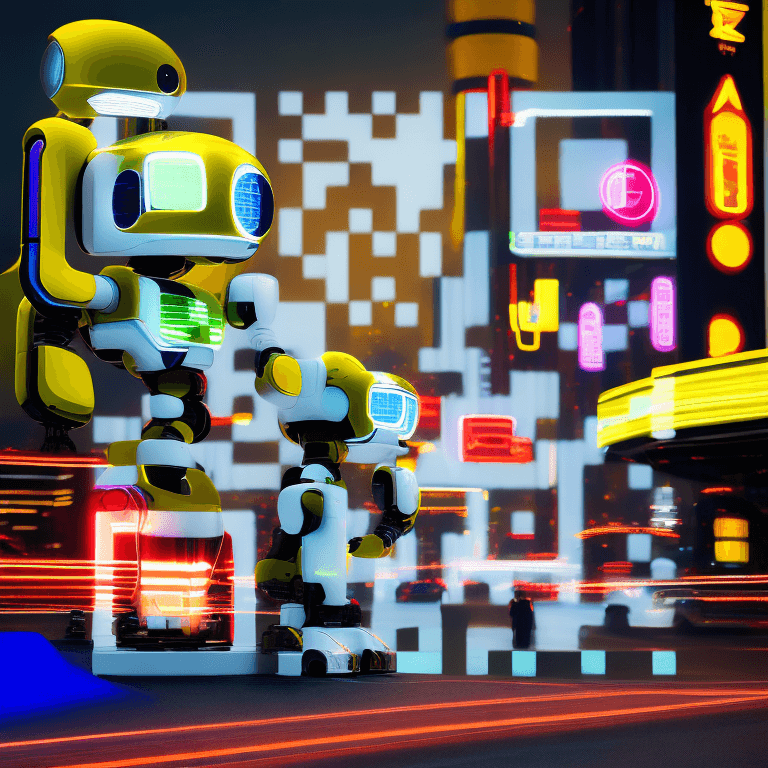
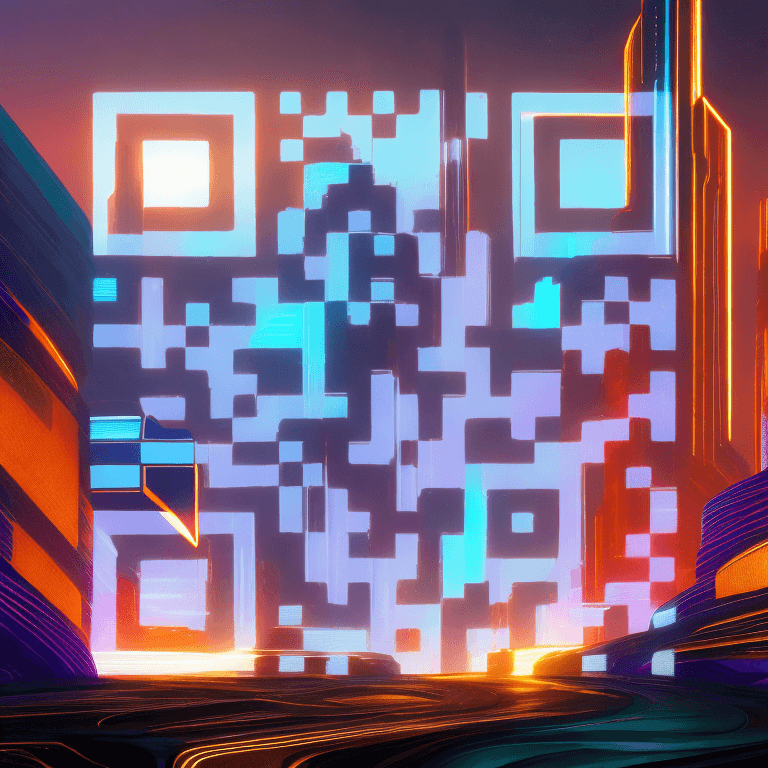
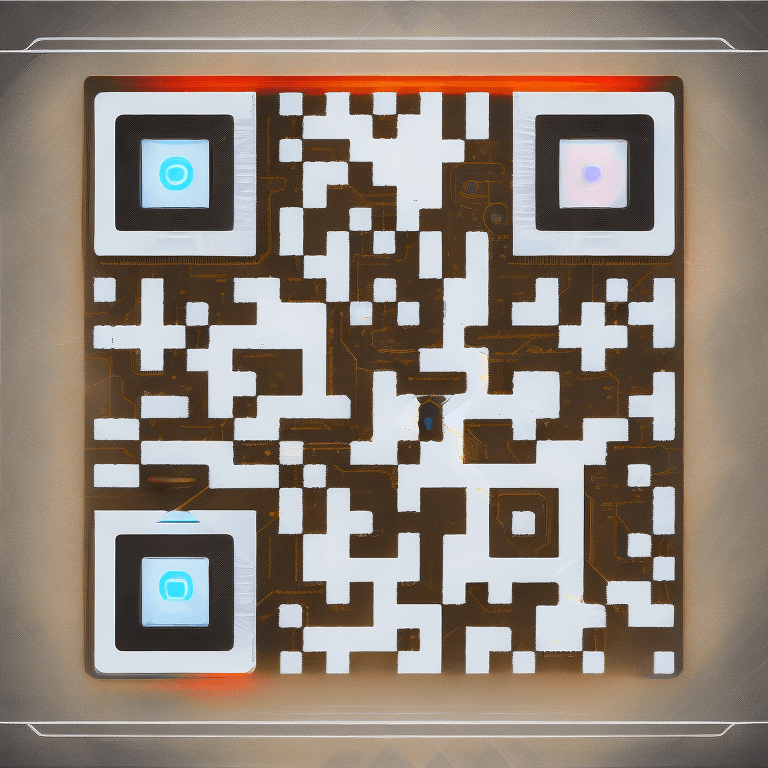
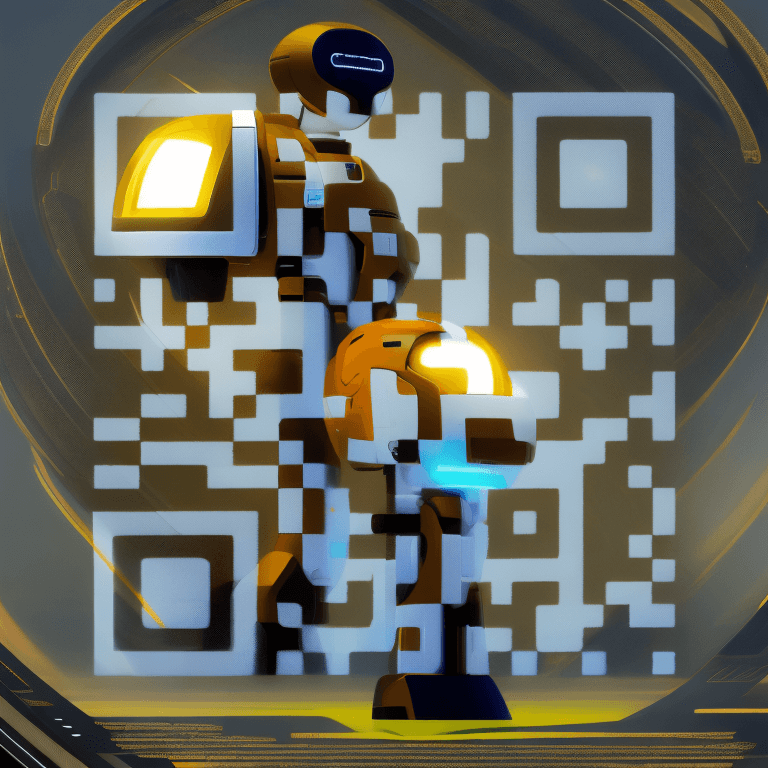
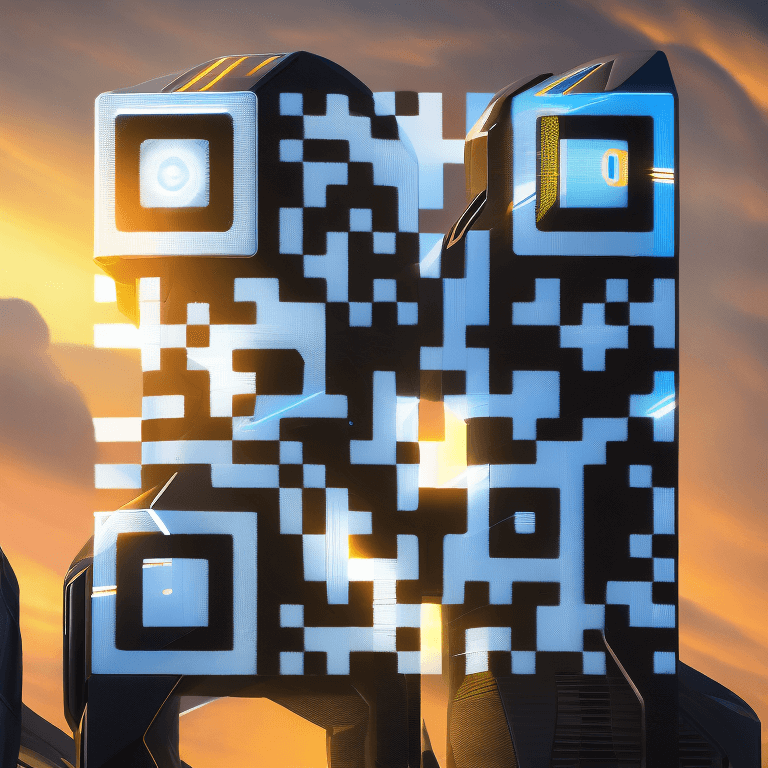
AI QR codes combine functional QR data with AI-generated imagery to create visually striking, fully scannable designs. See AI QR Codes.
Static QR codes never expire. Dynamic and AI codes stay active while your links and account remain in good standing.
Yes - static QR code generation is free. Advanced tools (Dynamic links, analytics, AI) require an account and may use credits. See Plans.
Get started
Super easy & highly customizable static or dynamic QR codes.
Latest blog posts
Introducing QRUpp: The Smarter Way to Create and Manage QR Codes
Discover QRUpp - the modern, AI-powered QR code platform built for creators, marketers, and businesses. Generate Static, Dynamic, and AI QR codes, track performance, and customise your designs with ease.
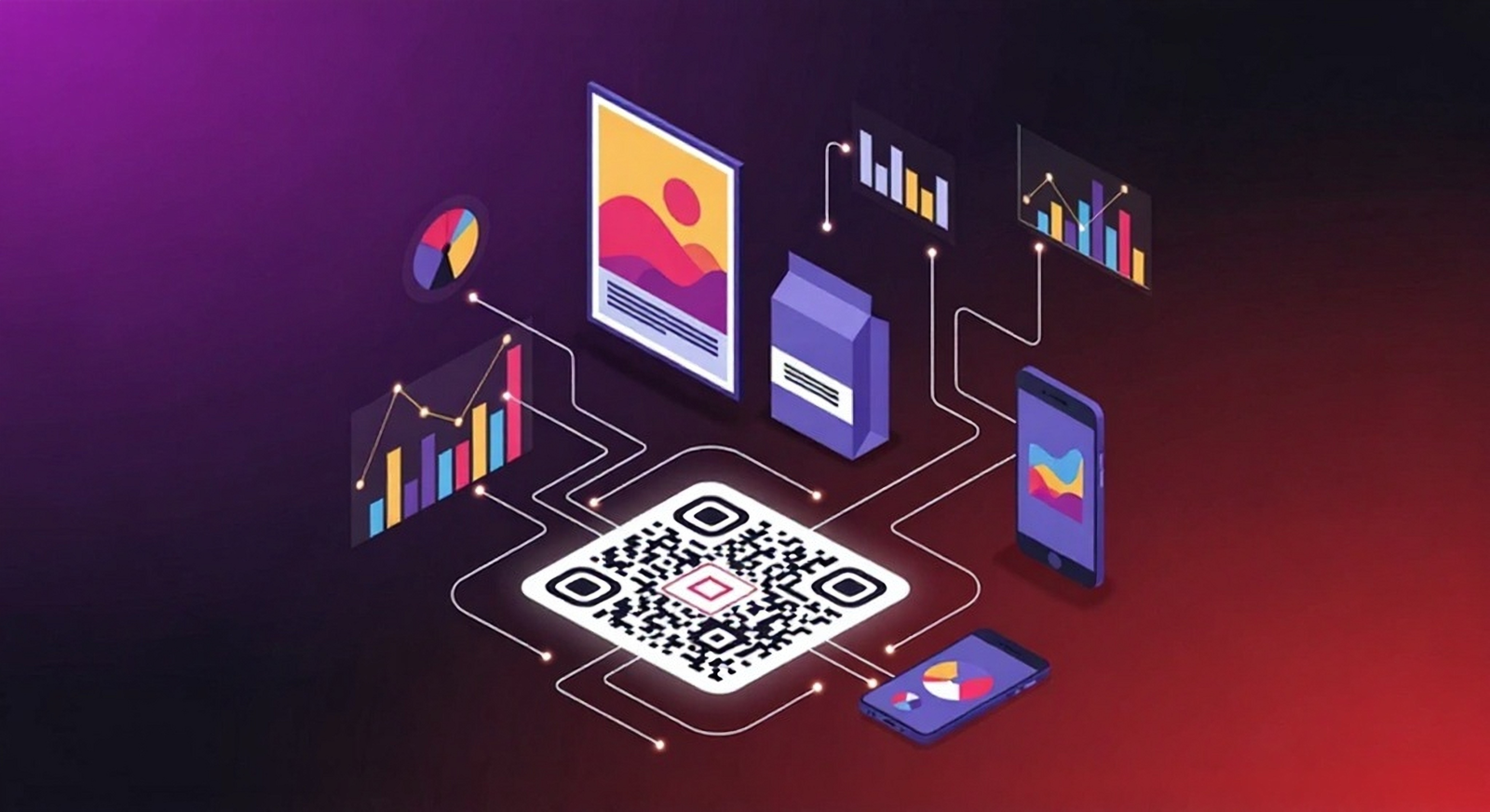
QR Marketing Playbook: High-Converting Uses, Design Tips & Tracking
Turn scans into results. Learn proven QR code use cases, placement & design best practices, and how to track performance with Dynamic QR and UTM tagging.
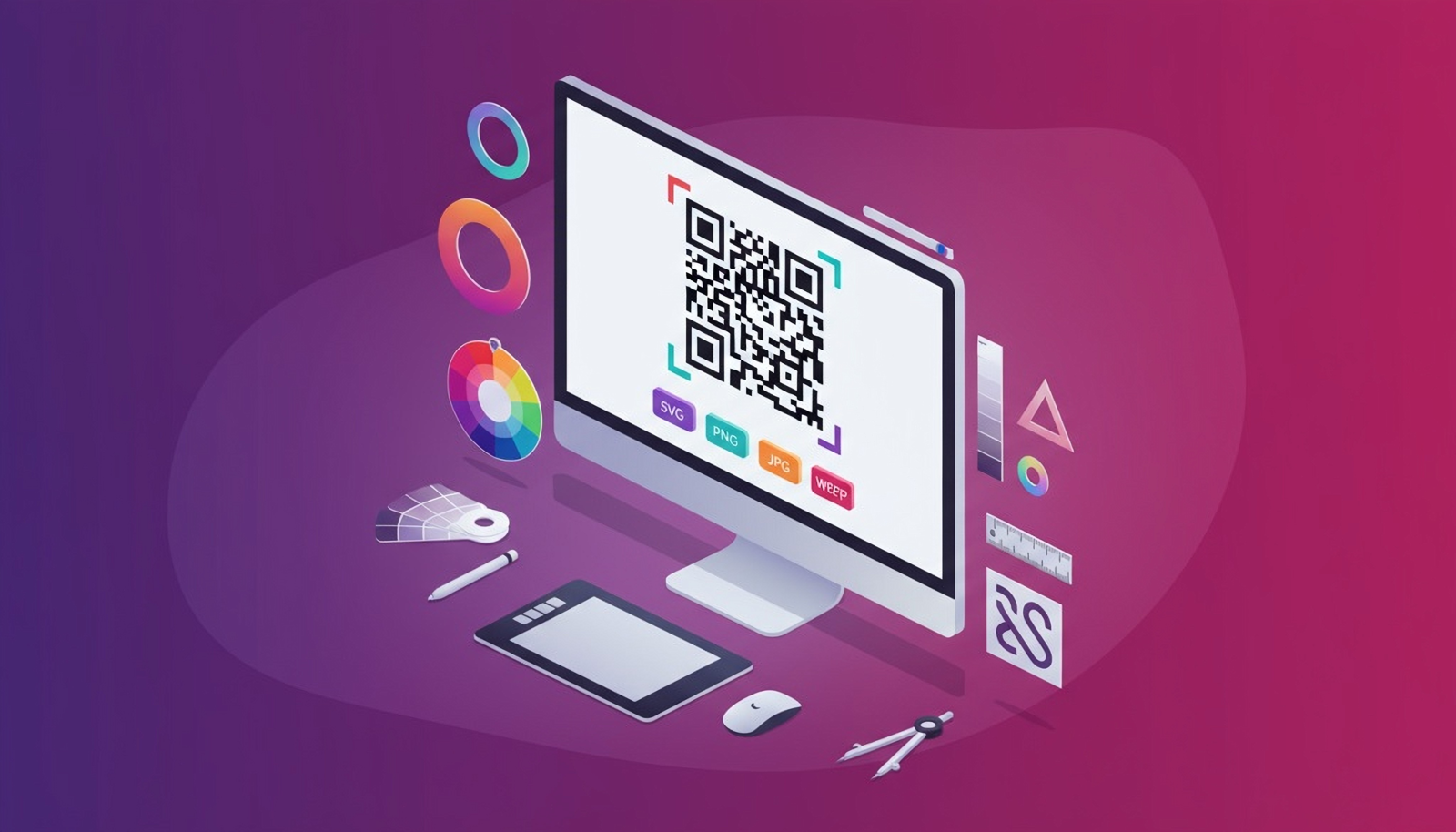
File Formats Explained: SVG, PNG, JPG & WEBP for QR Printing
Learn when to use SVG, PNG, JPG, or WEBP for your QR codes. Our guide explains file formats, printing quality, and how to choose the best option for every use case.